

Secrets
Securely store API keys, passwords, and credentials as encrypted secrets, set in both local and Nhost Cloud environments.
secrets sensitive data API keys credentials secure storage encrypted passwordsSecrets are key-value pairs similar to Environment Variables but used to store sensitive data in a secure way.
Secrets should be used for two purposes:
-
to avoid placing sensitive information in your configuration file in plain sight
-
as placeholders for values that might differ between environments
Add Secrets
Section titled “Add Secrets”When using secrets, they need to be set in both local and cloud instances.
Nhost Local
Section titled “Nhost Local”The Nhost CLI looks up for a .secrets file at the root of your project directory. A typical file looks like the following:
> cat .secrets
HASURA_GRAPHQL_ADMIN_SECRET = 'nhost-admin-secret'HASURA_GRAPHQL_JWT_SECRET = '0f987876650b4a085e64594fae9219e7781b17506bec02489ad061fba8cb22db'GRAFANA_ADMIN_PASSWORD = 'grafana-passwd'
Nhost Cloud
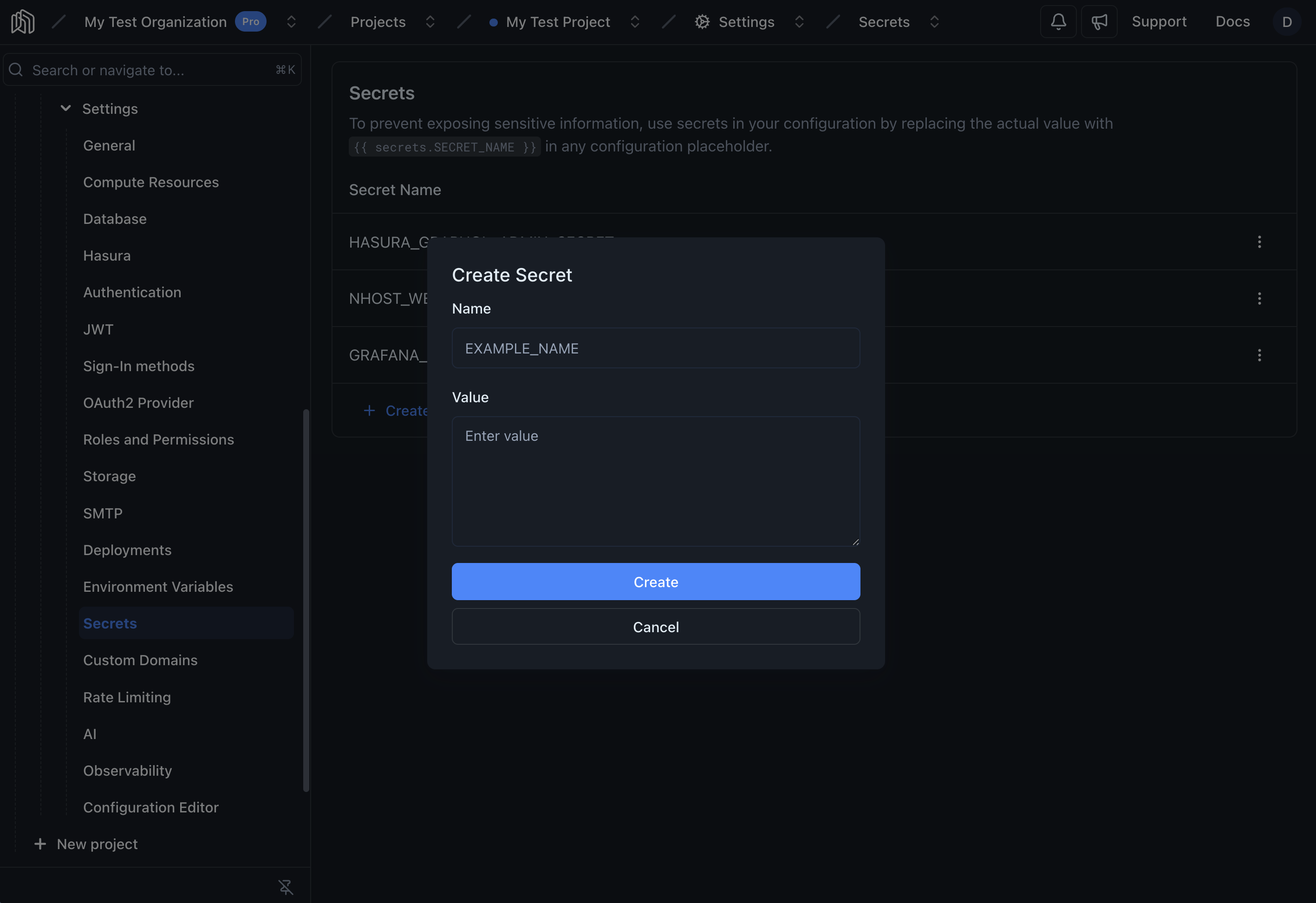
Section titled “Nhost Cloud”The secret values for your cloud instance can be set by navigating to your project’s Settings -> Secrets.
Reference Secrets
Section titled “Reference Secrets”[auth.method.oauth.apple]enabled = trueclientId = "my-client-id"teamId = "my-team-id"
keyId = "{{ secrets.APPLE_KEY_ID }}"privateKey = "{{ secrets.APPLE_PRIVATE_KEY }}"