Antivirus
Scan every uploaded file for malware with ClamAV before it reaches S3, rejecting infected files automatically.
antivirus ClamAV malware scanning file security virus detection storage securityNhost Storage integrates with ClamAV to scan uploaded files for malware. When enabled, every file is scanned during the upload process before it reaches S3. If a virus is detected, the upload is rejected and the incident is recorded for auditing.
How It Works
Section titled “How It Works”When antivirus is enabled, the upload flow adds a scanning step between metadata initialization and S3 upload:
sequenceDiagram  actor C as Client  participant S as Storage Service  participant H as GraphQL / DB  participant AV as ClamAV (clamd)  participant O as S3
  C->>S: POST /v1/files (upload)  S->>H: Initialize file metadata (is_uploaded=false)  S->>AV: INSTREAM scan (file content via TCP)
  alt File is clean    AV-->>S: OK    S->>O: Upload file to S3    S->>H: Update metadata (is_uploaded=true)    S-->>C: 200 OK + file metadata  else Virus detected    AV-->>S: Virus found: "Eicar-Test-Signature"    S->>H: INSERT into storage.virus (file_id, virus name, user session)    S-->>C: 403 Forbidden  end
Key points:
- Scanning happens before the file is stored in S3, so infected files never reach your object store
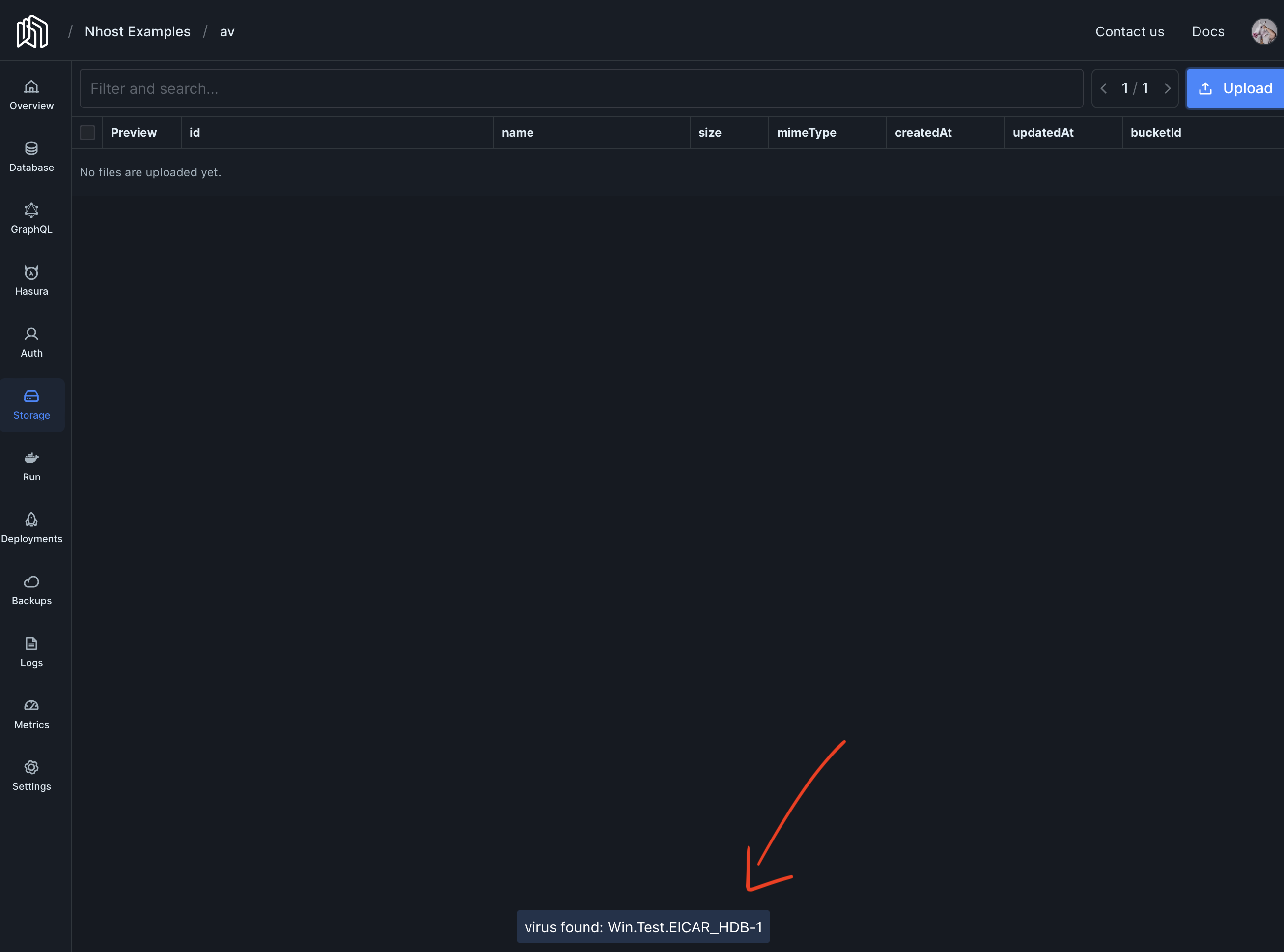
- The client receives a 403 Forbidden response when a virus is detected
- A record is inserted into the
storage.virustable with the virus name, file details, and the user’s session information
The storage.virus Table
Section titled “The storage.virus Table”Every virus detection is recorded in the storage.virus table:
| Column | Description |
|---|---|
id |
Unique record identifier |
file_id |
Reference to the file in storage.files |
filename |
Original uploaded filename |
virus |
ClamAV virus signature name (e.g., Eicar-Test-Signature) |
user_session |
JSONB snapshot of the user’s session (user ID, role, claims) |
created_at |
Detection timestamp |
-
Deploy a dedicated
clamdinstance using Nhost Run with this one-click install link. -
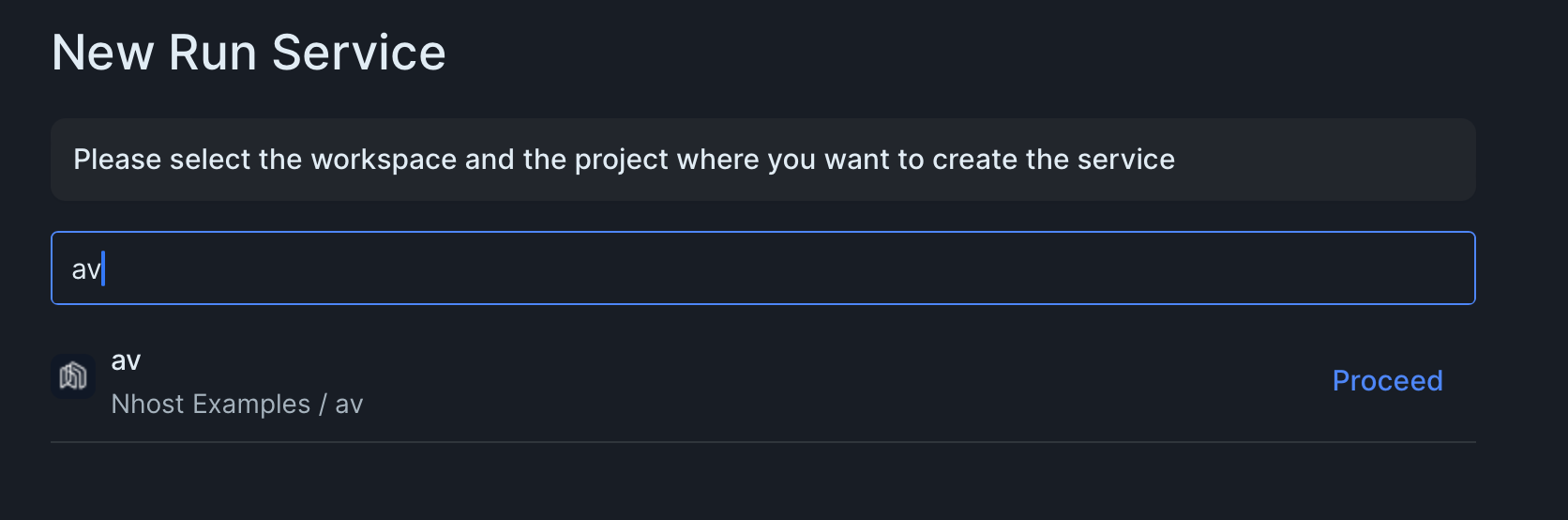
Select the project:
-
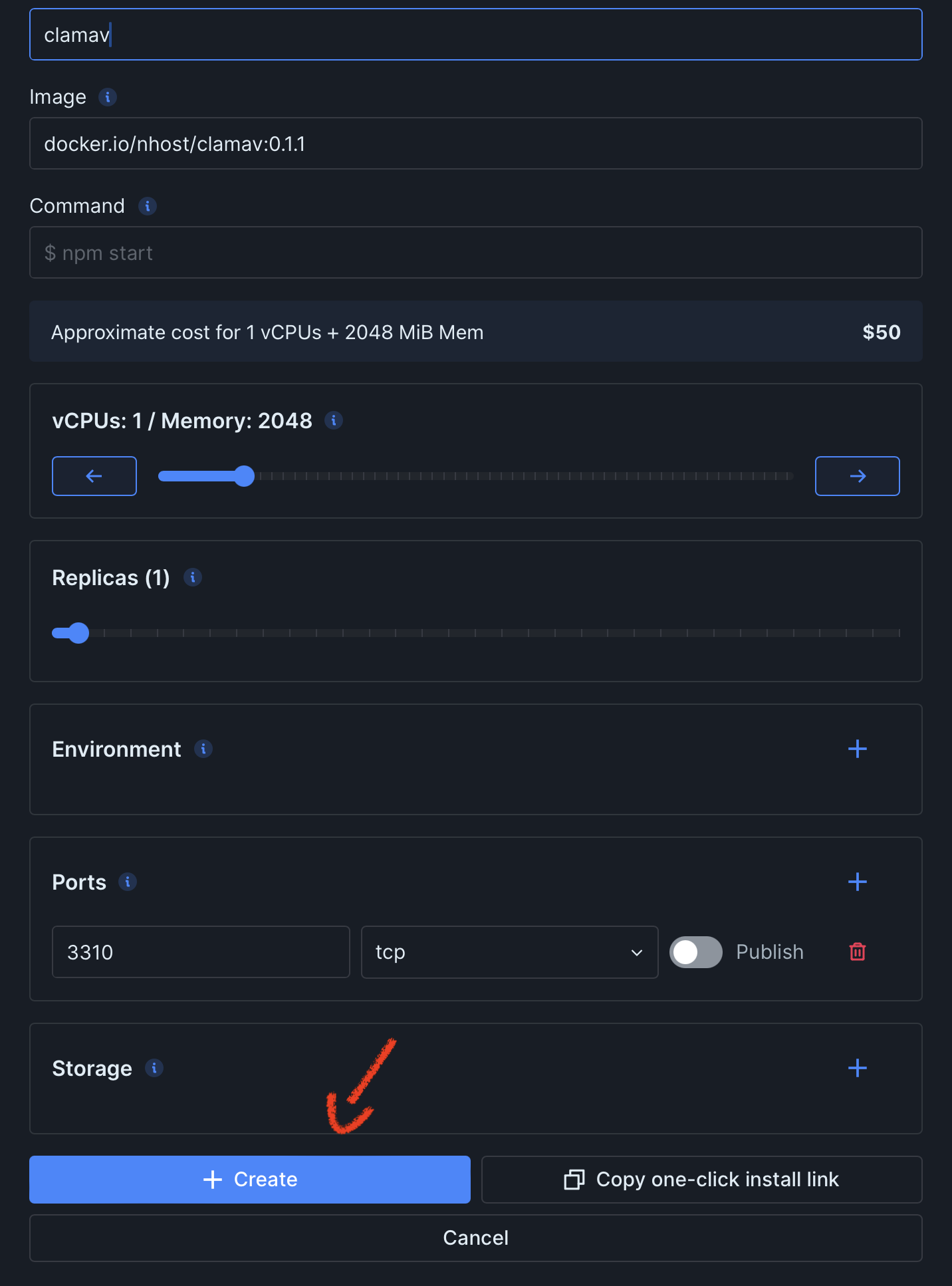
Click on “Create”:
-
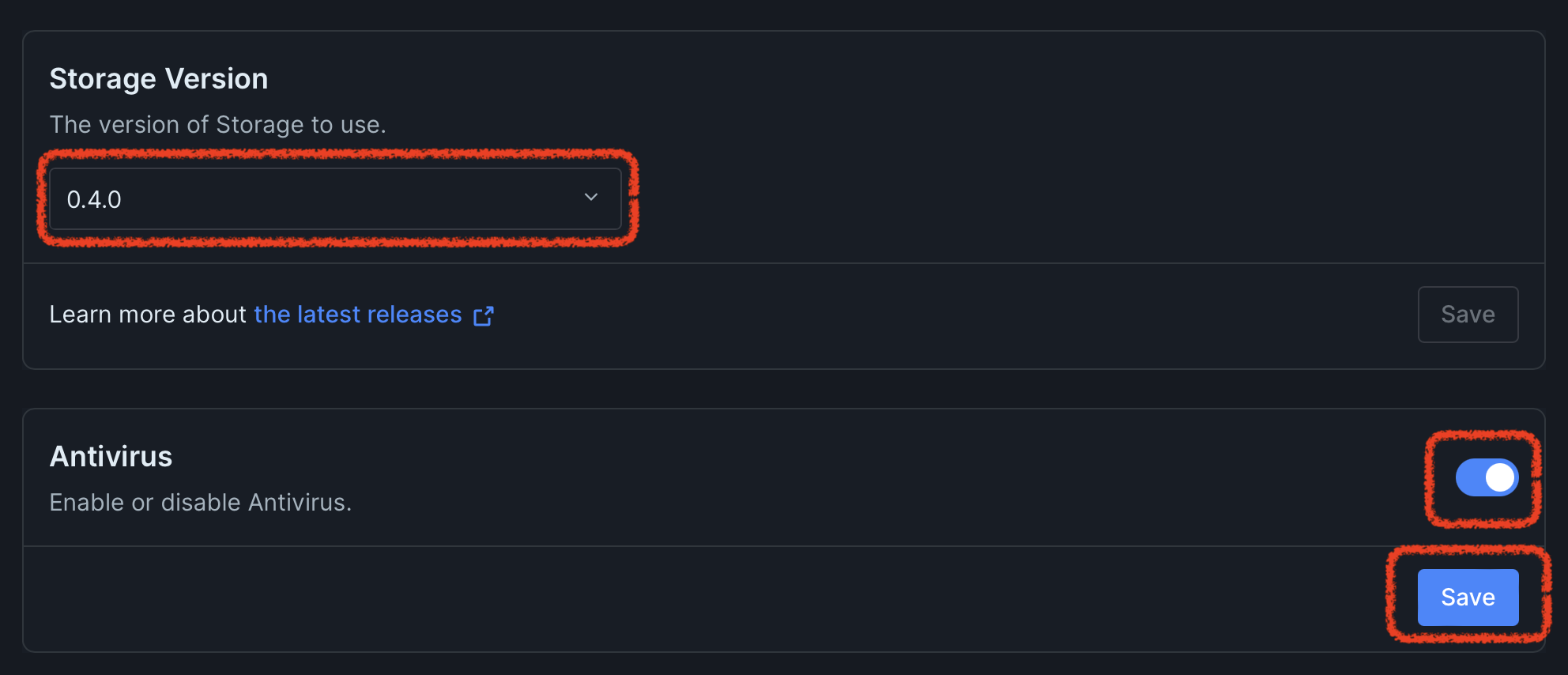
Make sure you are running at least storage version 0.4.0 and enable the antivirus:
-
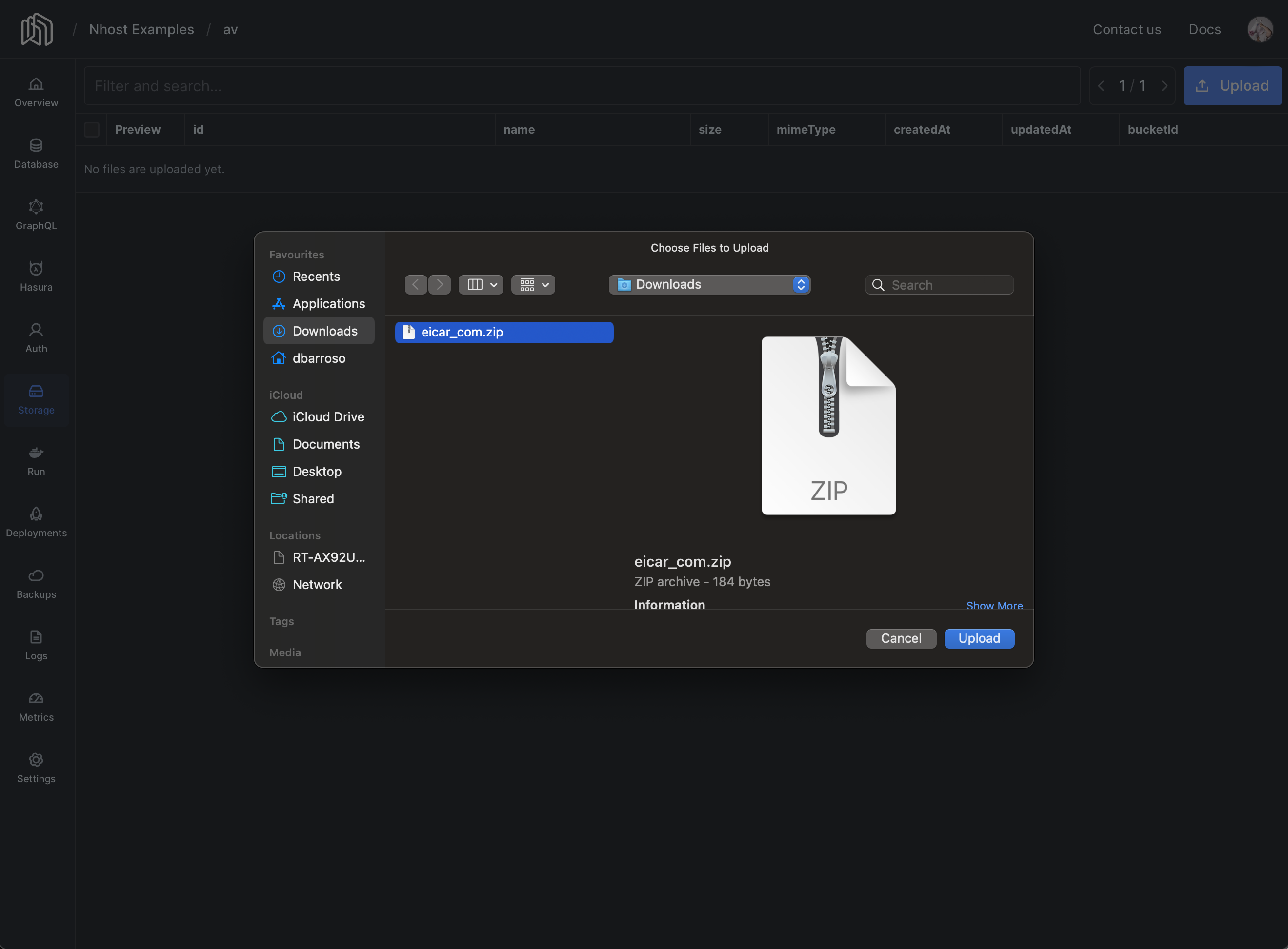
Wait for the service to update and try to upload a sample virus file like eicar:
-
If the setup is working the upload should fail:
-
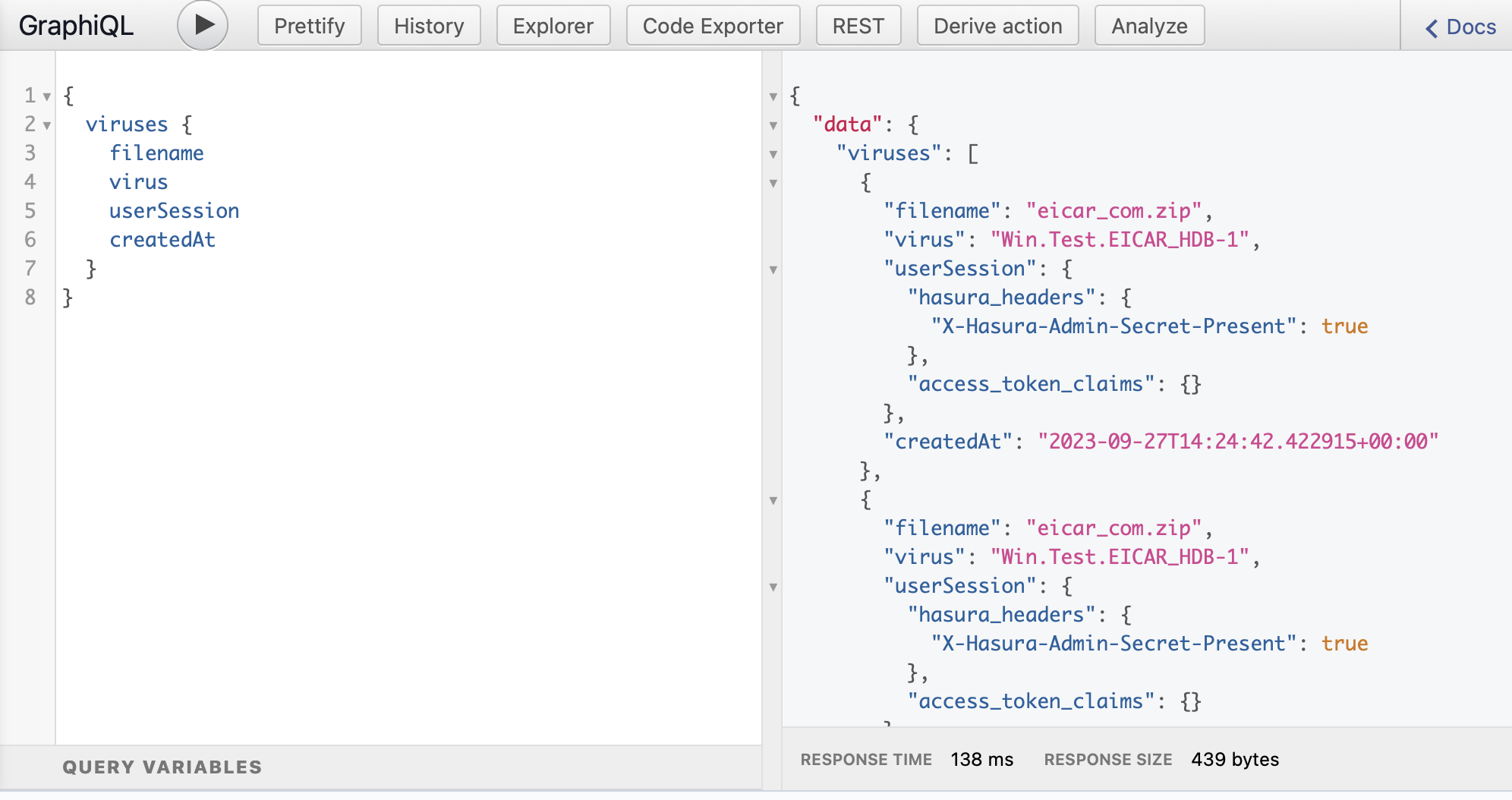
You can verify entries were added to the
virustable via GraphQL: