Configuring One-Off Scheduled Events
Fire a webhook once at a specific date and time
scheduled event one-off one-time deferred delayed webhook scheduledOne-off scheduled events fire a webhook once at a specific date and time. Unlike cron triggers that recur, these execute exactly once and are then done.
Creating a One-Off Scheduled Event
Section titled “Creating a One-Off Scheduled Event”Navigate to Events → One-Off Scheduled Events, then click New One-off.

| Field | Description |
|---|---|
| Comment | Optional description of what the event does |
| Schedule At | Datetime picker with timezone selector (future dates only) |
| Webhook URL or template | Endpoint URL. Supports {{ENV_VAR}} syntax (e.g. {{NHOST_FUNCTIONS_URL}}/events/broadcast-notification) |
| Payload | JSON object sent in the webhook body |
| Retry and Headers Settings (accordion) | Retry count, interval, timeout, and custom HTTP headers |
One-off scheduled events do not support request or payload transformations.
Webhook Handler
Section titled “Webhook Handler”One-off scheduled events deliver an HTTP POST to any endpoint. The request body contains a payload field with the JSON you configured.
Webhook Payload
Section titled “Webhook Payload”One-off events deliver the same shape as cron triggers, with created_at instead of name.
{ "scheduled_time": "2024-06-15T14:30:00.000Z", "payload": {}, "comment": "Broadcast maintenance notification to all active users", "created_at": "2024-06-14T10:00:00.000Z"}| Field | Description |
|---|---|
scheduled_time | ISO 8601 timestamp of when the event was scheduled to fire (UTC) |
payload | The JSON object configured when creating the event |
comment | The optional comment/description from the event definition |
created_at | ISO 8601 timestamp of when the event was created |
For working handler examples, see:
- Broadcast Notifications — send a notification to all active users
- Webhook Security — validate the shared secret in your handler
- Using the Nhost SDK — query your database from inside a handler
Monitoring Scheduled Events
Section titled “Monitoring Scheduled Events”The Events > One-Off Scheduled Events page lists all one-off events. Filter by status using the “Status” header button at the top: All, Scheduled, Pending, Processed, or Failed.
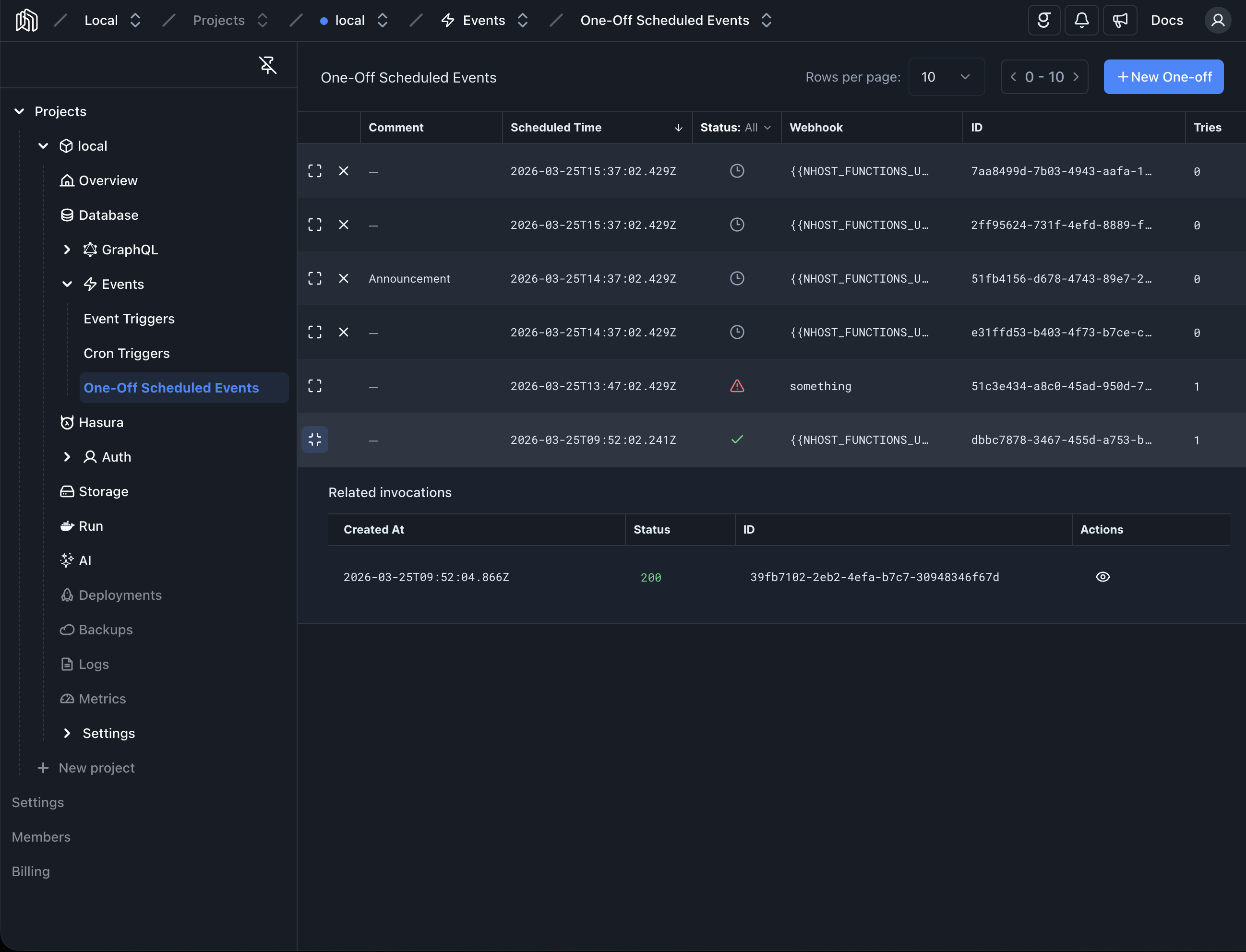
Each event shows its comment, scheduled time, status, webhook URL, ID, and number of tries. Scheduled events that have not yet fired can be deleted individually.
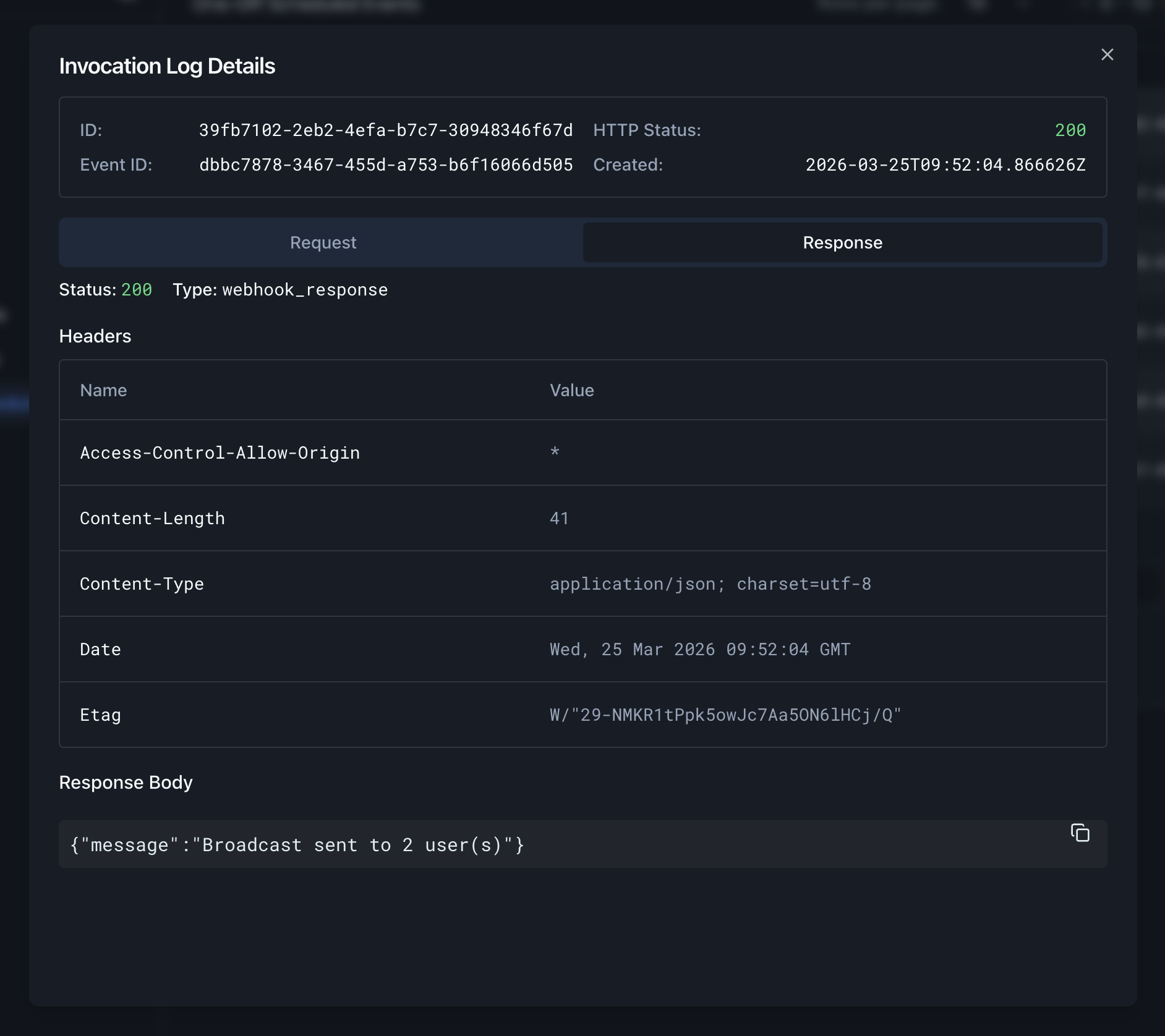
Expand an event to see its invocation logs. Each invocation shows the HTTP status code and a View Details action that opens the full request and response.