

Permissions
Learn how permissions work
permissions authorization access control roles row-level security RLS Hasura permissions ACLPermissions or authorization rules are used to control access to data and are set per role and table for each of the select, insert, update, and delete database operations.
Permissions follow a Zero Trust model, meaning that by default, no role, with the exception of admin, has any access. Access has to be explicitly granted.
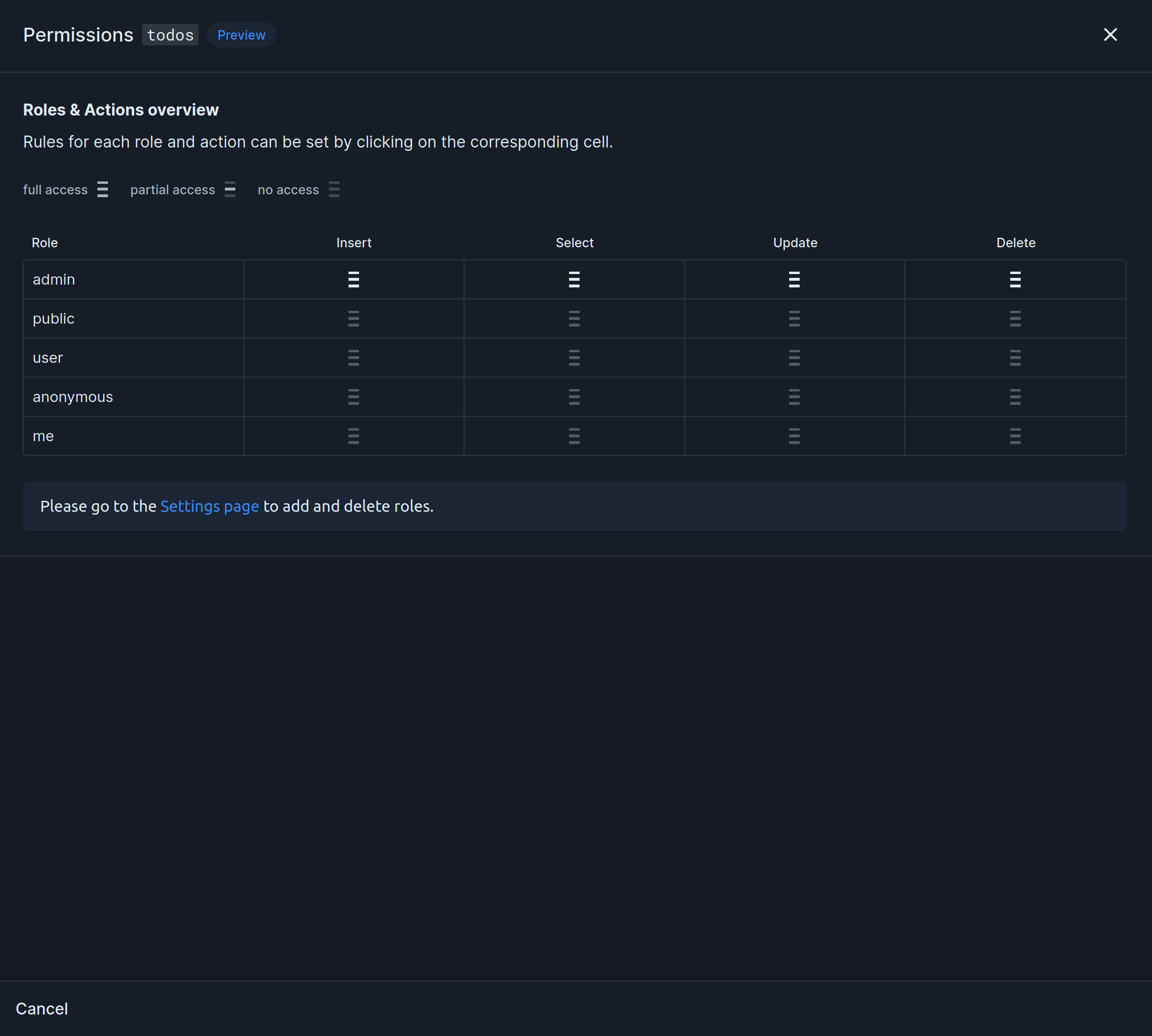
Imagine a table todos with id, created_at, completed_at, title, completed, user_id, and file_id columns. We want users to only have access to their own todos. This is how we would do it:
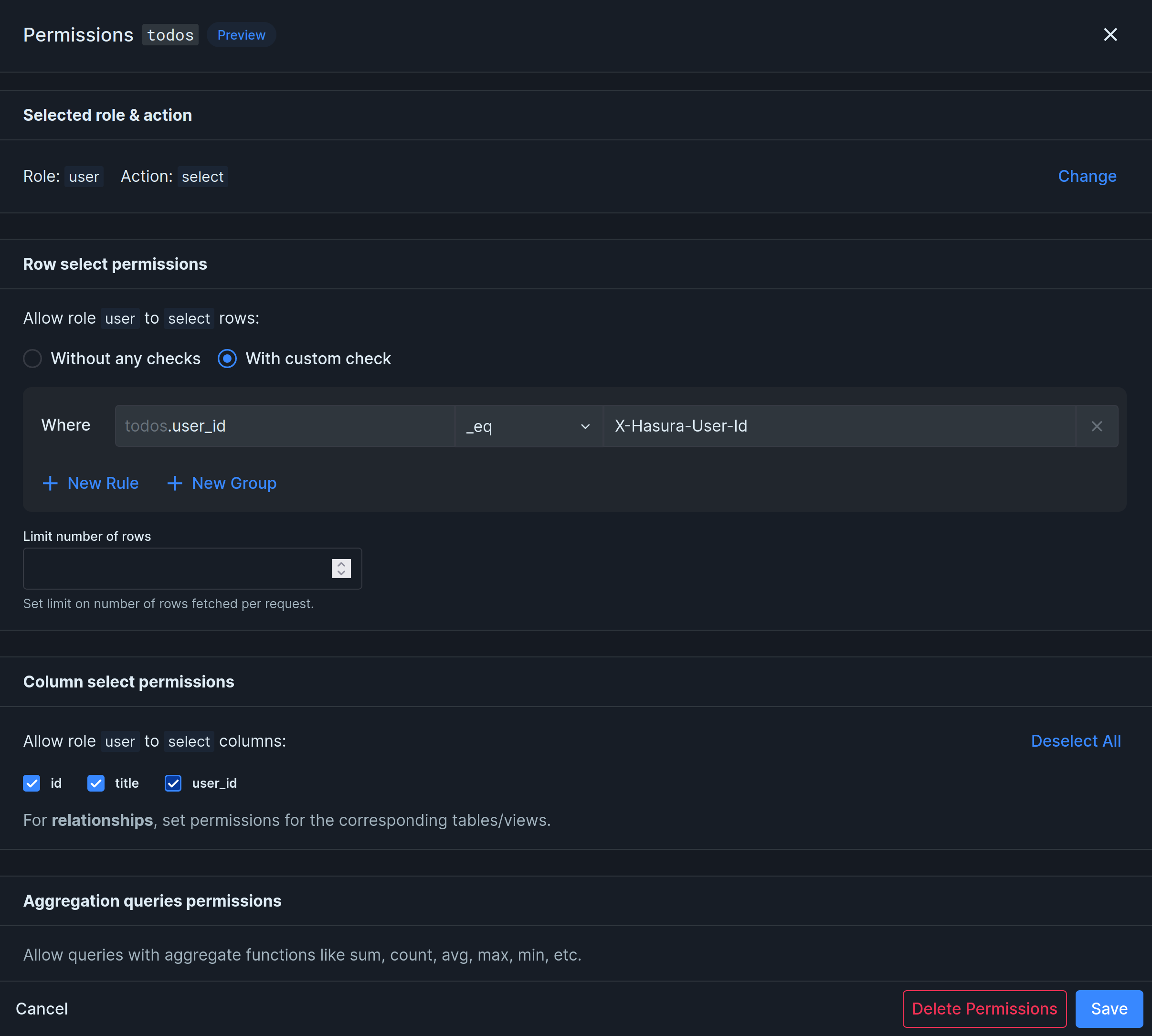
The permission above makes sure users can only select their own todos, because the value of user_id must be equal (_eq) to the authenticated user’s ID (x-hasura-user-id).
Explore
Section titled “Explore”The rest of this section covers each piece of the permission system in detail:
Known issues
Section titled “Known issues”Permissions are slow
Section titled “Permissions are slow”In certain situations, permission checks can cause significant delays. One way to identify this issue is by comparing the execution time of a GraphQL query when performed as an admin versus as a regular user. To resolve such cases, disabling the Just-in-Time (JIT) compilation in Postgres can be beneficial.
Further Reading
Section titled “Further Reading”For deeper background, Hasura’s own docs cover permissions in detail: