

Create Your Nhost Project for React
Create and configure a new Nhost project as the backend for your React app, with PostgreSQL, GraphQL, auth, and storage ready to use.
React Nhost tutorial project setup backend configuration full-stack developmentWelcome to the Full-Stack React Development with Nhost series! In this comprehensive tutorial series, you’ll build a complete React application with Nhost that demonstrates authentication, database operations, and file management.
About This Tutorial Series
Section titled “About This Tutorial Series”This tutorial series is divided into 5 parts, each focusing on a specific aspect of building modern web applications with Nhost and React. By the end of the series, you’ll have built a fully functional application featuring:
- User Authentication - Complete sign up, sign in, and email verification flow
- Todo Management - Users can create, update, delete, and mark todos as complete
- File Uploads - Users can upload and manage files with proper permissions
- Protected Routes - Secure areas that only authenticated users can access
Full-Stack React Development with Nhost
Section titled “Full-Stack React Development with Nhost”What You’ll Learn
Section titled “What You’ll Learn”Throughout this series, you’ll master:
- Setting up and configuring Nhost projects
- Implementing secure authentication flows
- Building protected routes with React Router
- Performing GraphQL queries and mutations
- Managing file uploads and storage
- Configuring database permissions and security
- Building responsive React interfaces
Prerequisites
Section titled “Prerequisites”- Node.js 22+ installed on your machine
- Basic knowledge of React and JavaScript
- Understanding of modern web development concepts
Creating an Nhost project is the first step to building your application with Nhost. Let’s get started by setting up your backend infrastructure.
Step-by-Step Guide
Section titled “Step-by-Step Guide”Sign Up or Log in
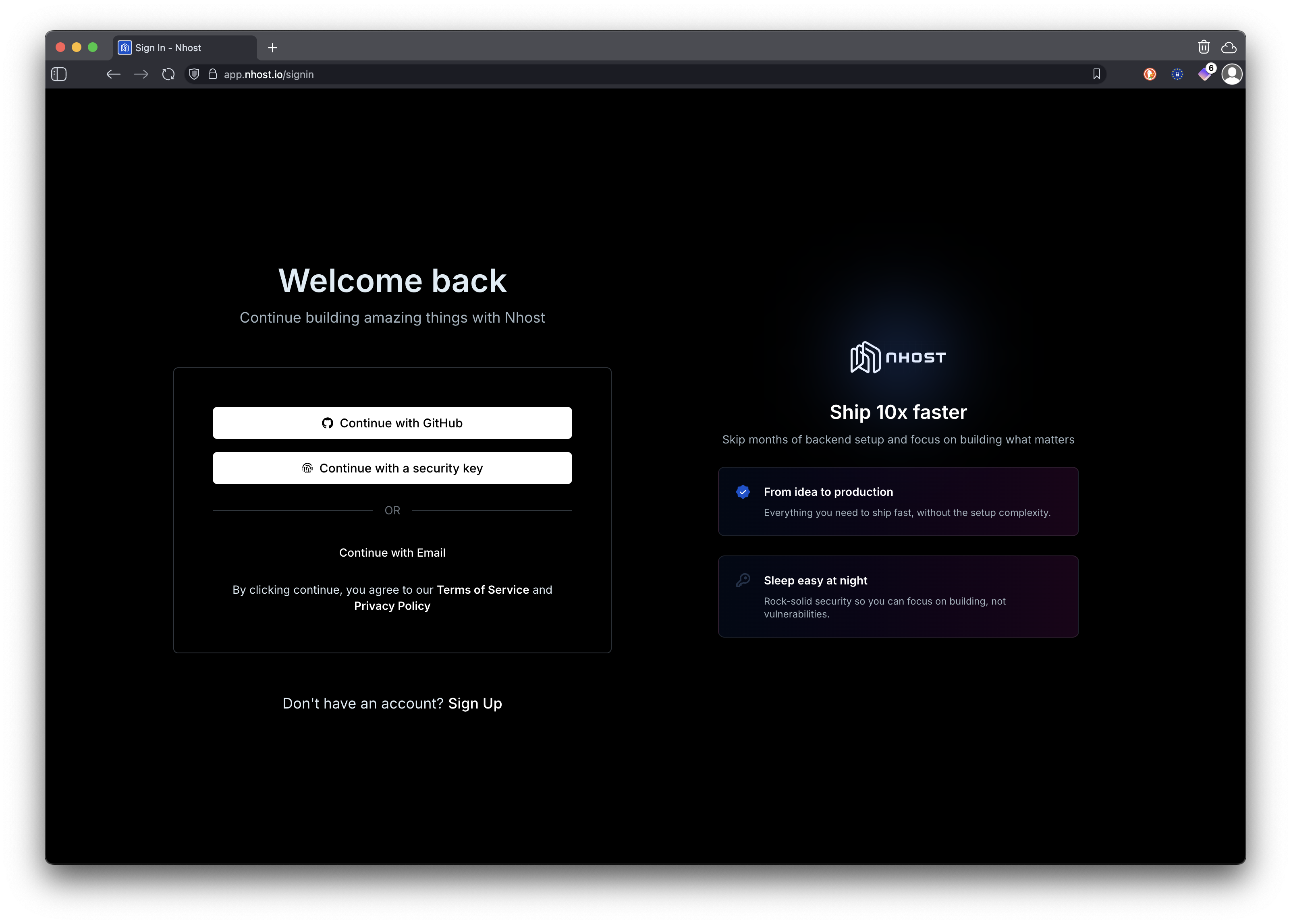
Section titled “Sign Up or Log in”If you don’t have an Nhost account, sign up at Nhost. If you already have an account, log in.
Create a New Project
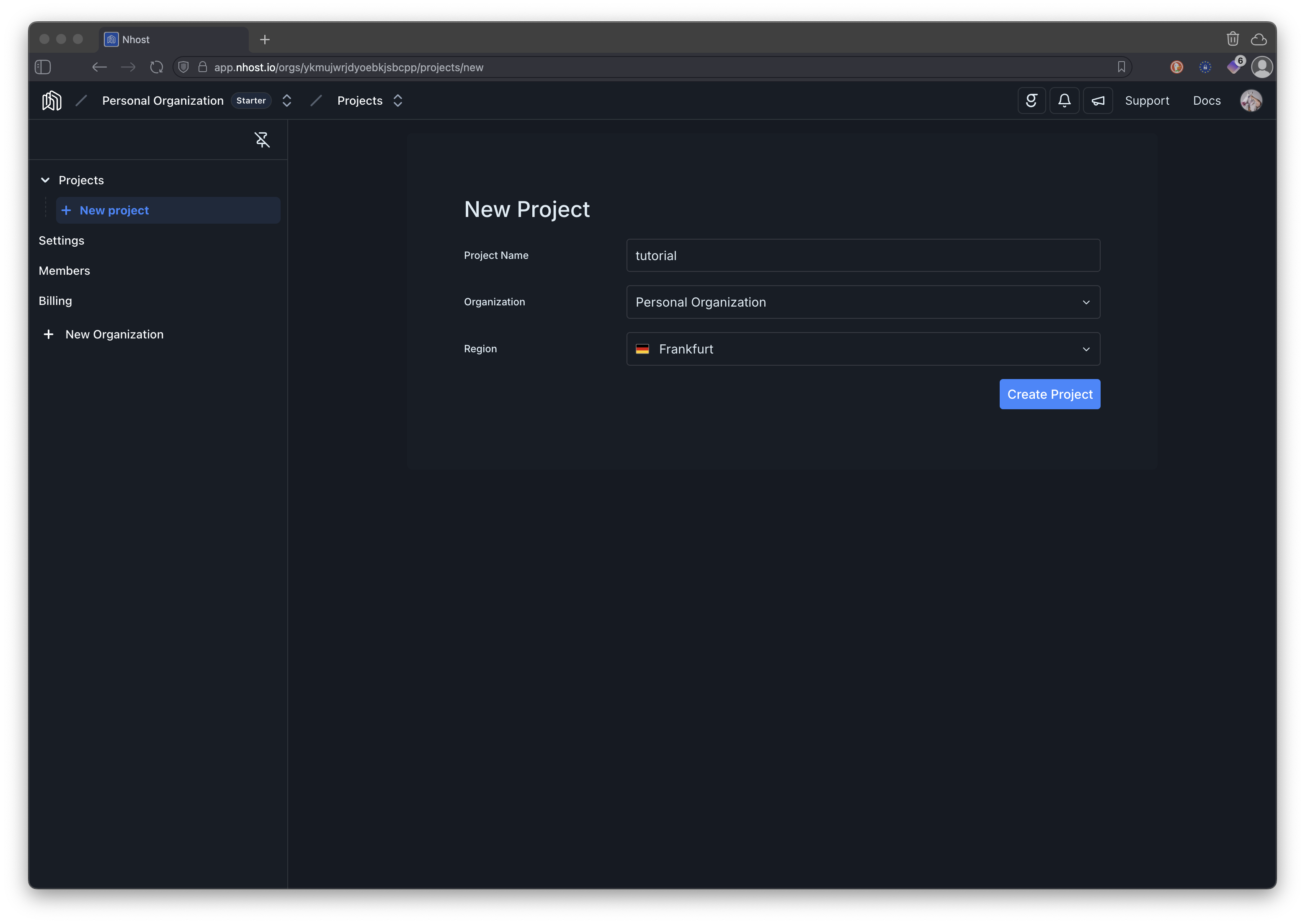
Section titled “Create a New Project”Click on the “Create Project” button on your dashboard or follow the onboarding prompts if you’re a new user.
Take note of your project subdomain and region
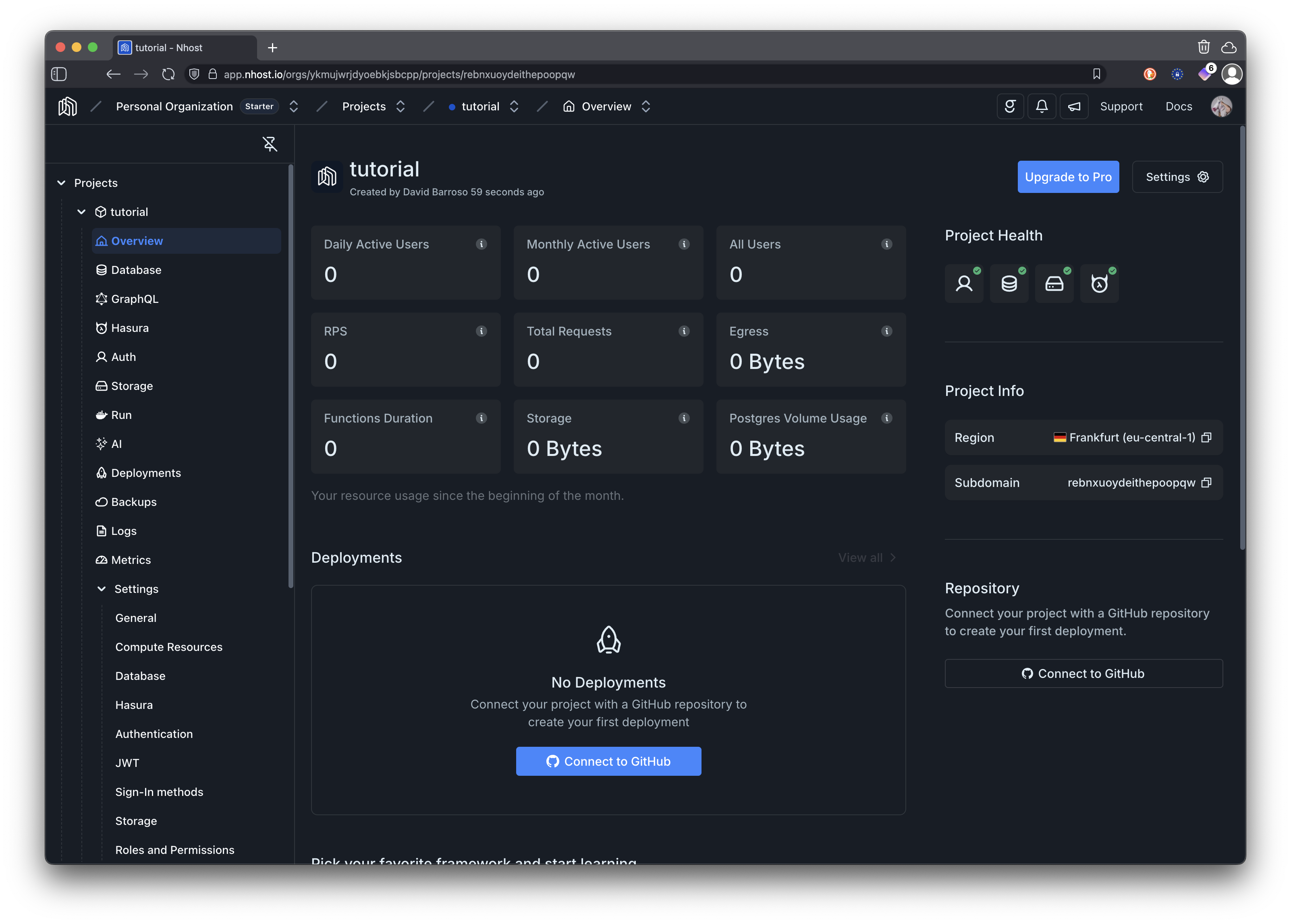
Section titled “Take note of your project subdomain and region”Take note of your project subdomain and region. You will need this information to connect your application to the Nhost backend in upcoming tutorials.
What’s Next?
Section titled “What’s Next?”With your Nhost project created, you now have access to:
- PostgreSQL Database - For storing your application data
- Authentication Service - For managing users and sessions
- GraphQL API - For querying and mutating data
- File Storage - For uploading and managing files
- Functions - For running serverless functions
In the next tutorial, you’ll start building your React application and learn how to protect routes based on user authentication status.